

AI Business Plan Generator
Create a Funding-Ready Business Plan — Free for 1 Month
Built on real requirements from 40+ US, UK & EU lenders.
Enter your email to activate your free 1-month access.

Growexa provides users with a streamlined approach to enhancing the visual presentation of their business plans through pre-set design templates. These templates ensure that business plans maintain a professional and structured appearance while allowing for some level of customization to align with a company’s branding.
To explore available design options, users can navigate to the Preview feature, accessible via the left sidebar within the editor. This function allows for a real-time visualization of how the document will appear upon completion. By default, the preview will display the content of the chapter currently being edited. Users can switch between different chapters using the navigation panel on the left.
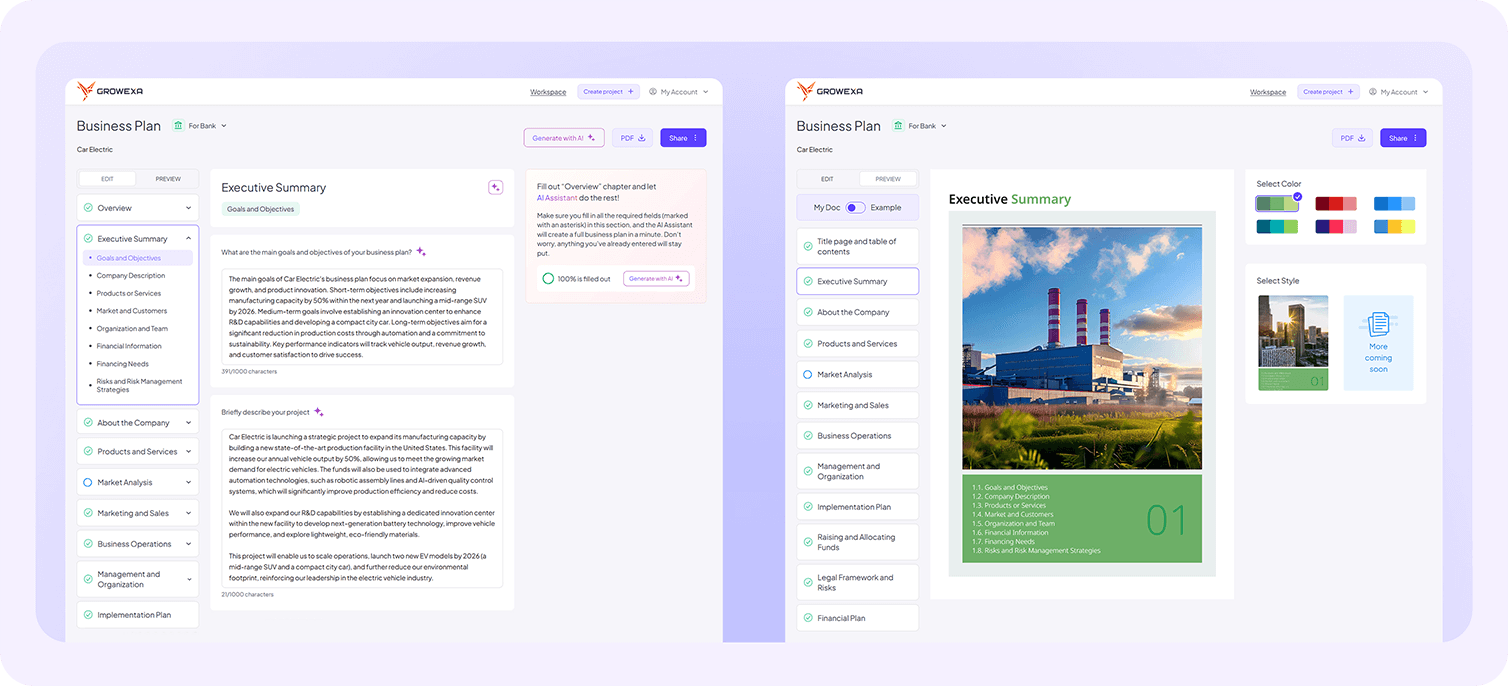
Customization options are available on the right sidebar, where users can adjust the overall visual style of their business plan. For now, Growexa offers a single standardized document style, designed to maintain clarity and consistency across all plans. However, additional styles are under development to provide users with greater flexibility in future updates. To complement this, users can choose from six distinct color palettes, allowing them to tailor the aesthetic of their business plan to better reflect their corporate identity. Once selected, the chosen design settings are applied uniformly across the entire document, ensuring visual coherence.
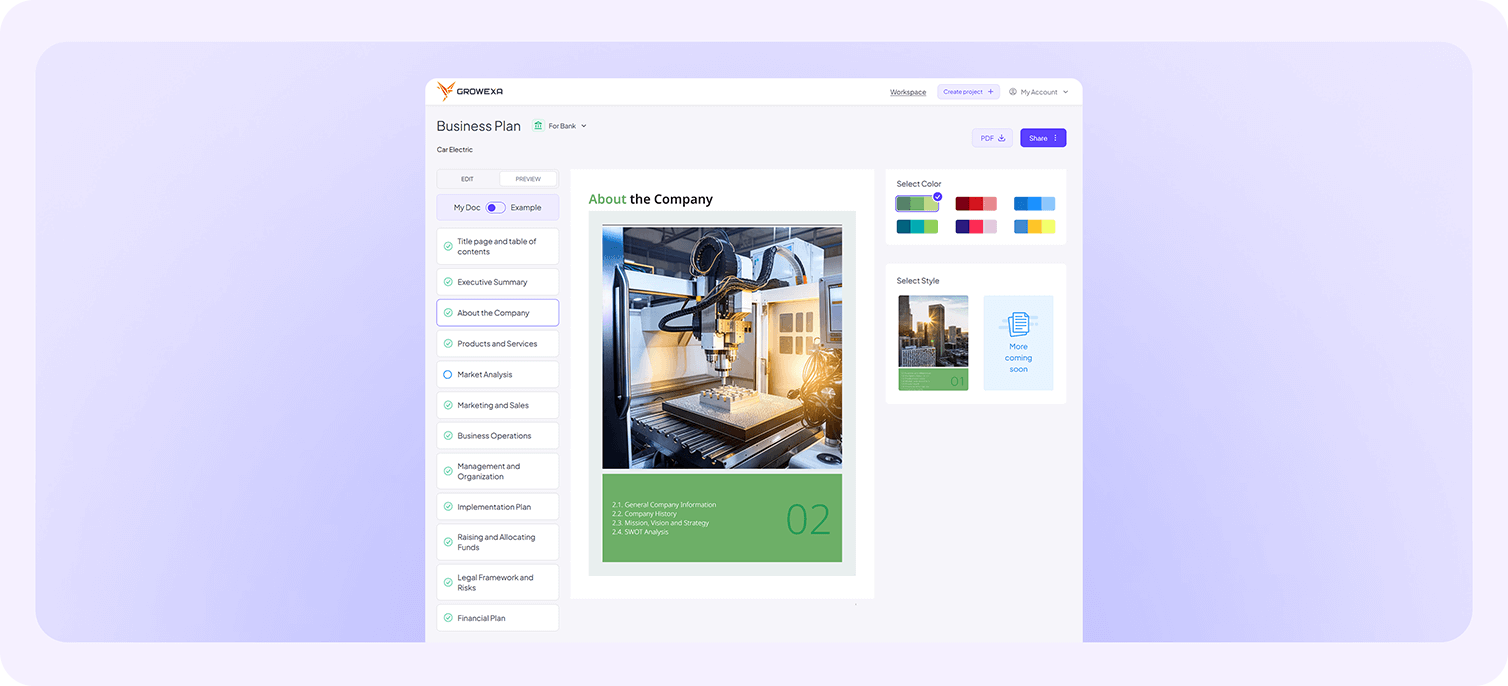
Additionally, Growexa enhances the visual appeal of business plans by incorporating industry-specific imagery into key design elements. The title page, back cover, and section dividers feature carefully selected photographs that align with the industry chosen by the user. Each industry has a unique set of curated images, ensuring that the business plan maintains a professional and relevant aesthetic.
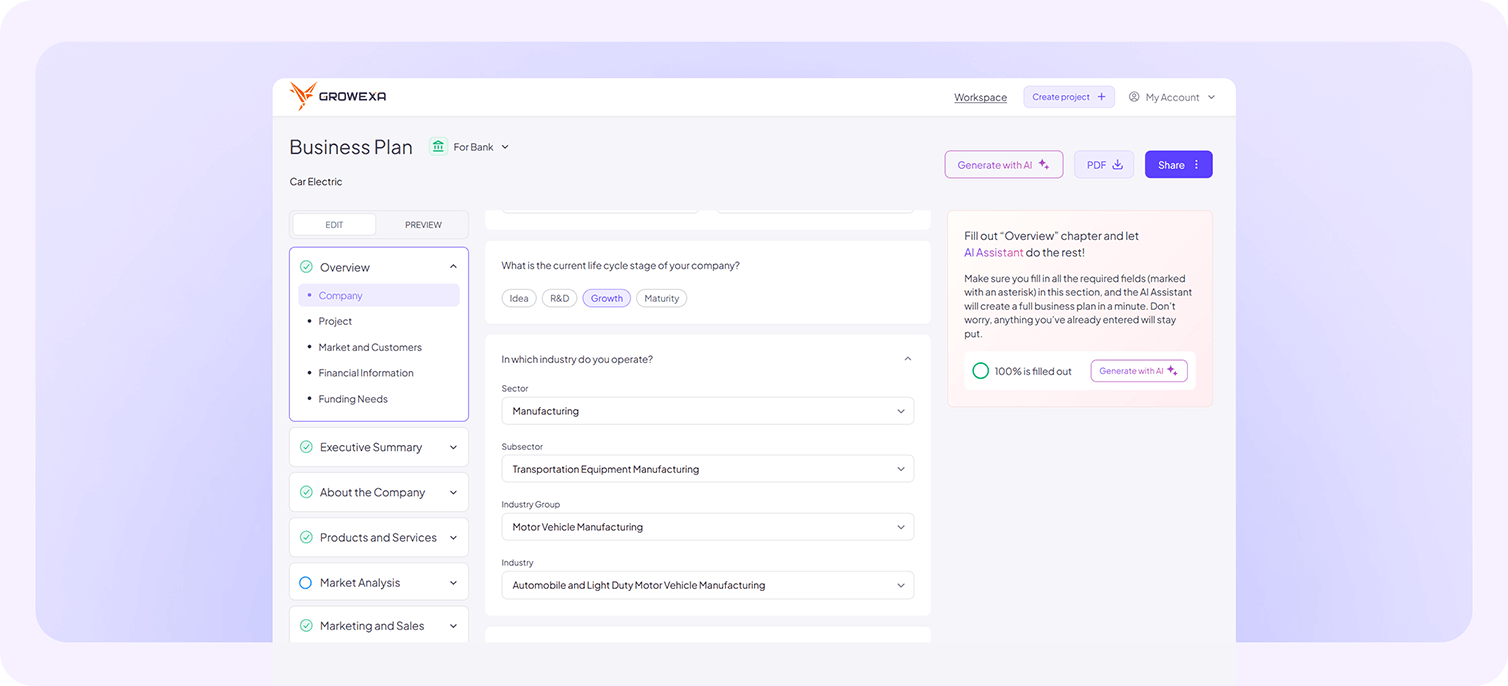
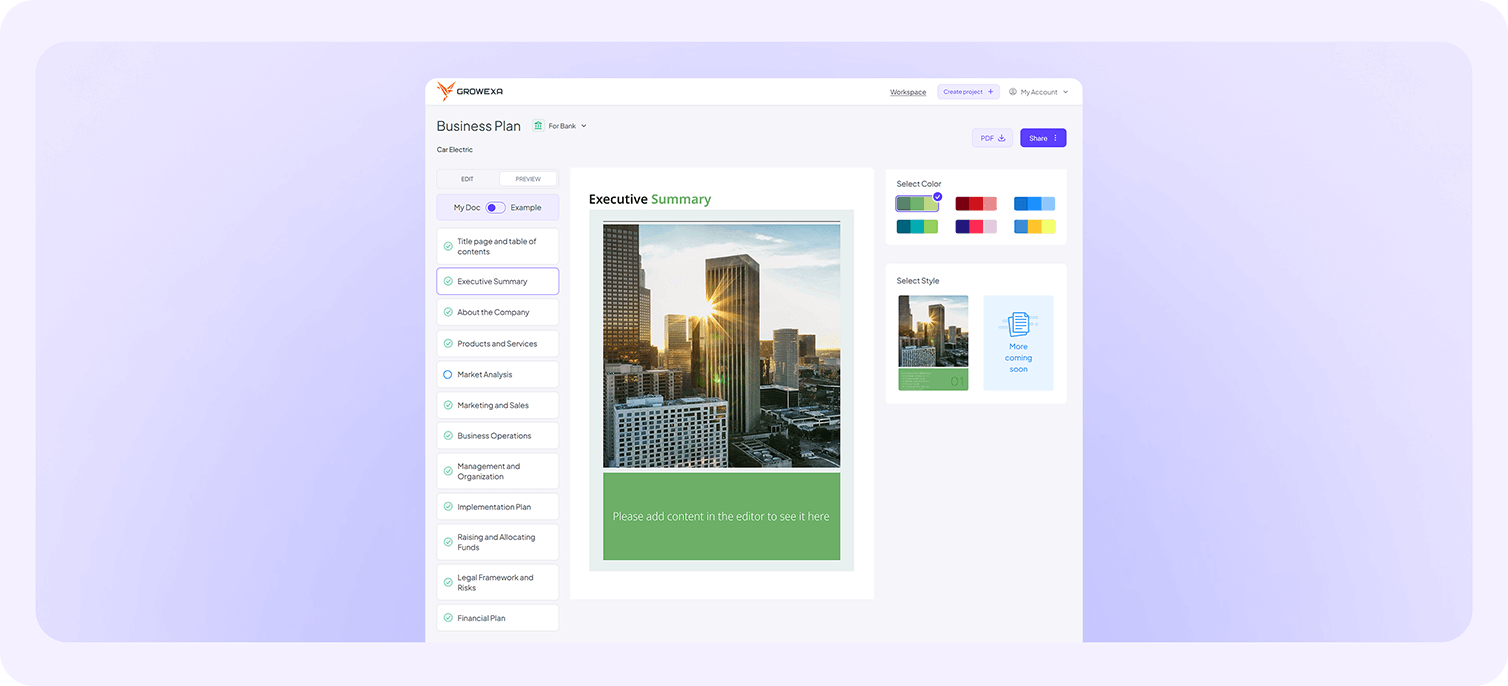
Importantly, the preview mode only displays sections that contain user-entered content. If a chapter or subsection remains empty, a placeholder notification will appear, prompting users to complete the relevant section. However, in the final version — whether shared as an online document or downloaded as a PDF — any unfilled sections will be automatically excluded from the output, ensuring a polished and professional final presentation.
The combination of structured formatting, pre-set styles, and customizable color themes ensures that each document is both investor-ready and reflective of the user’s brand identity.
If you need further assistance, check out our other help articles or contact our support team.