

AI Business Plan Generator
Create a Funding-Ready Business Plan — Free for 1 Month
Built on real requirements from 40+ US, UK & EU lenders.
Enter your email to activate your free 1-month access.

Managing your Growexa account ensures you have full control over your profile, subscription, and payment details while also providing access to essential support resources. This guide outlines how to navigate account management options efficiently.
Once logged in, locate the profile icon in the top right corner of the screen. Clicking on this icon will open the My Account section, where you can access various management options, including account settings, subscription details, payment information, available plans, support resources, and logout functionality.
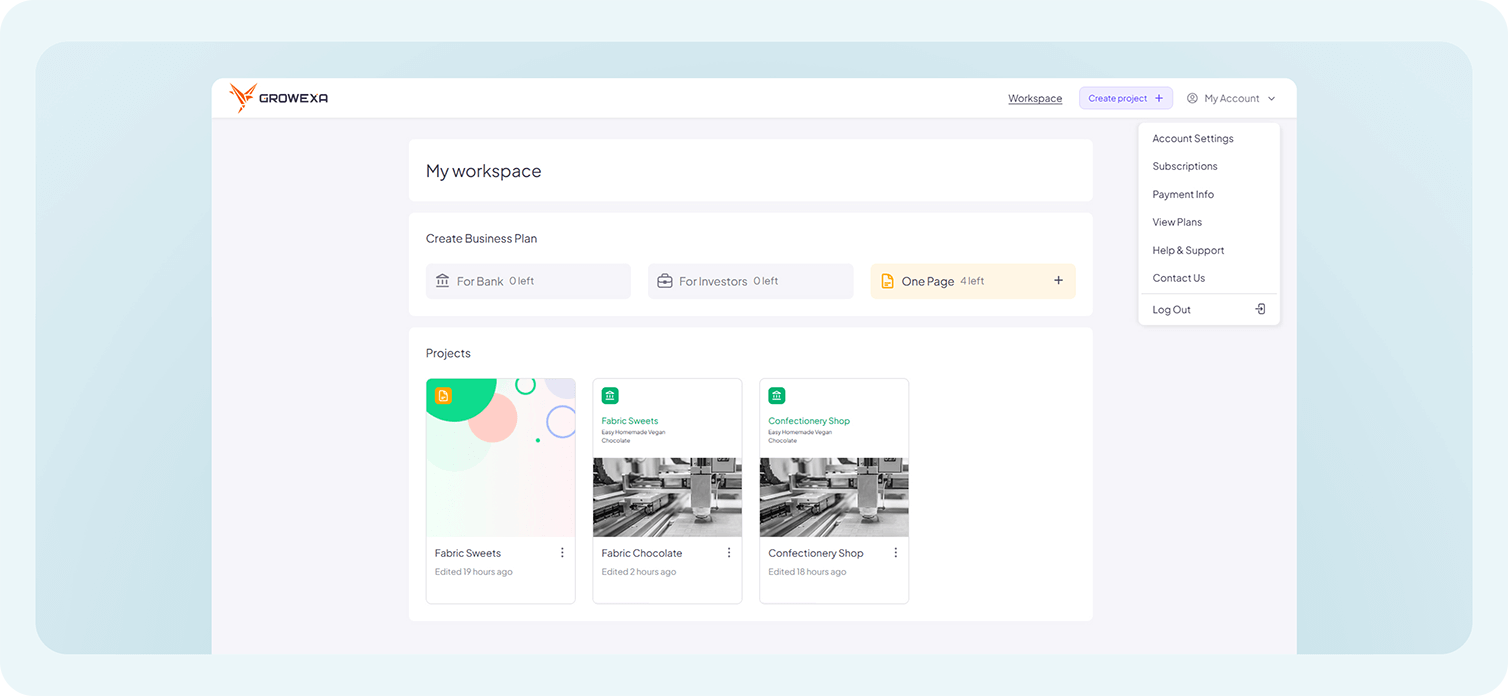
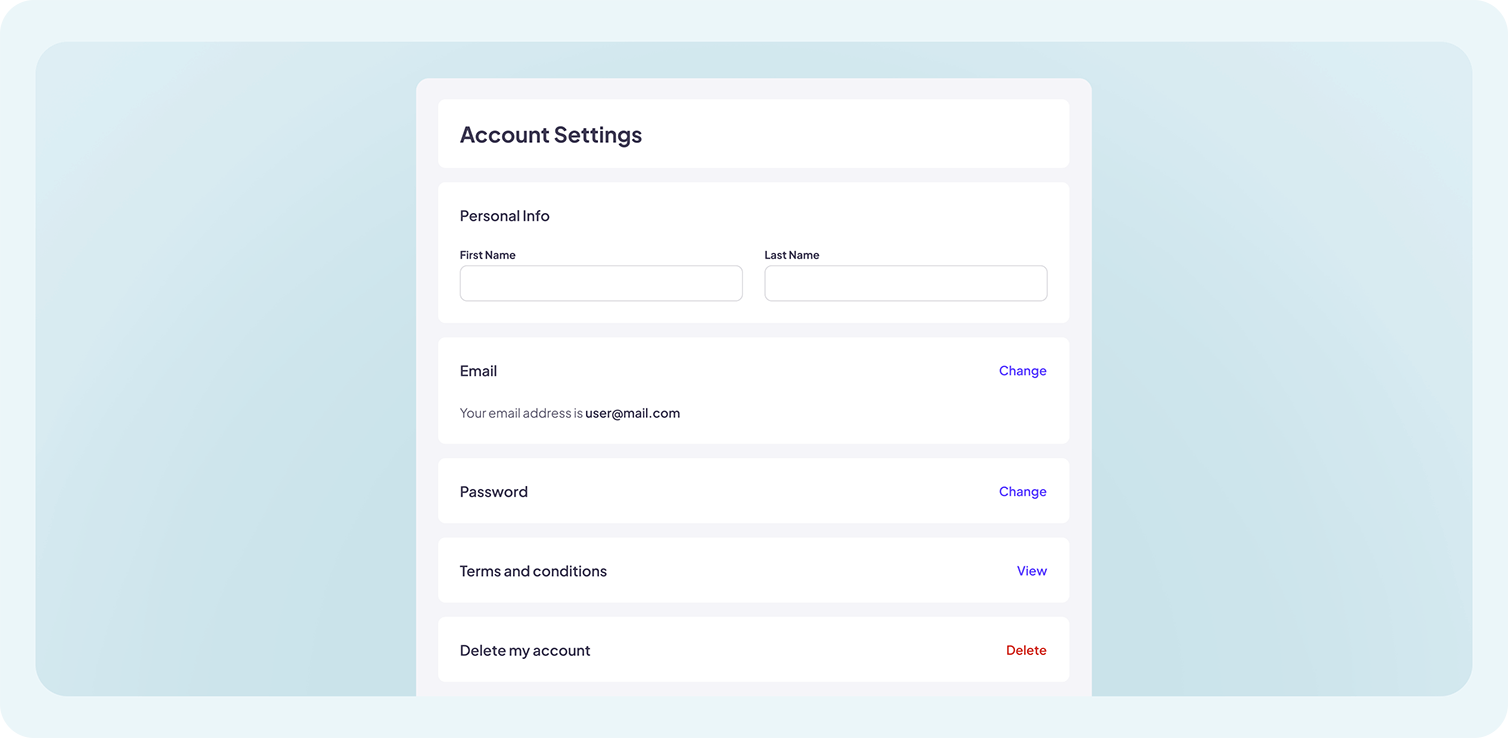
The Account Settings section allows users to update personal details such as their first and last name, change their email address or password, and review the platform’s Terms and Conditions. If necessary, users can also request account deletion from this menu.
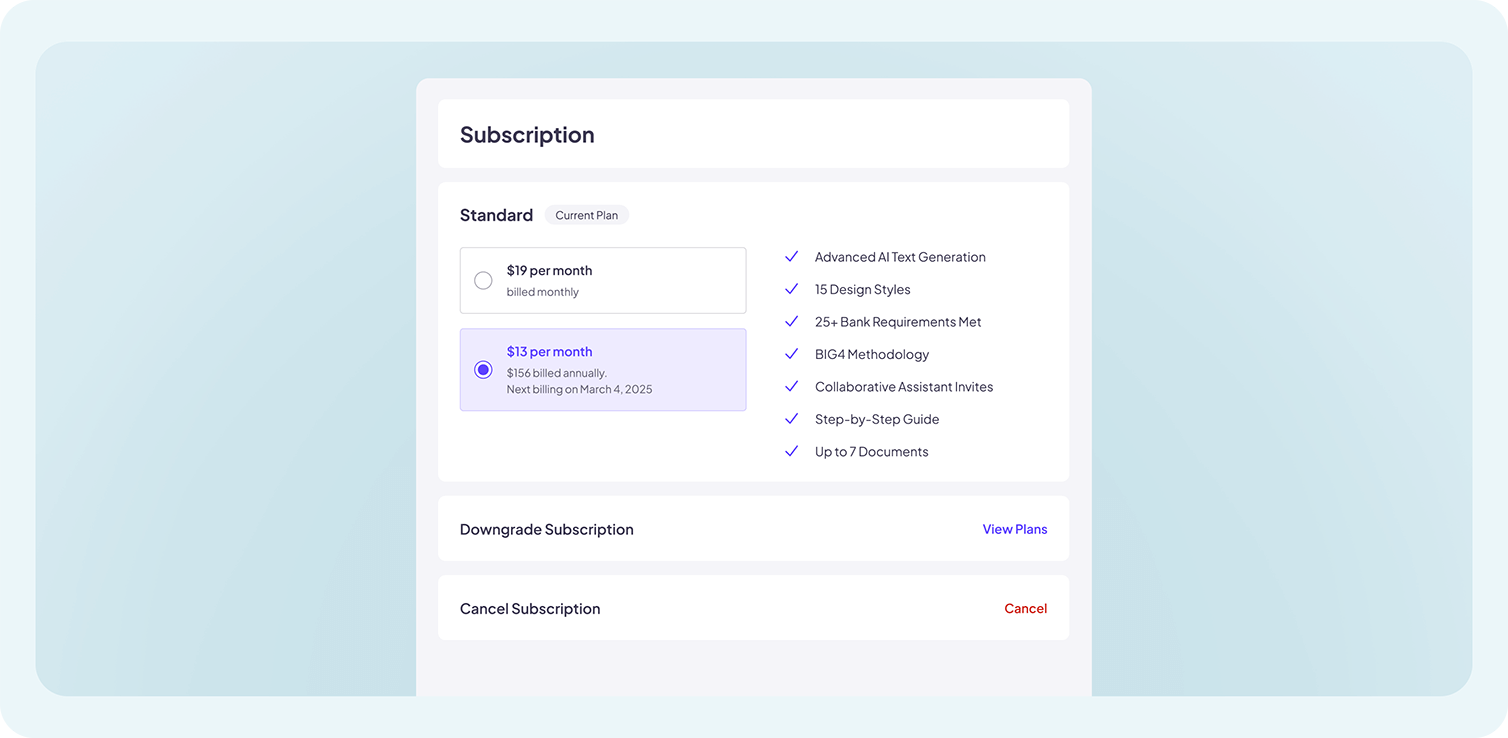
Under the Subscriptions tab, users can view details of their current plan, including its features and limitations. Options to upgrade or downgrade the subscription by accessing the View Plans page are available. Additionally, users can cancel their subscription if they no longer wish to continue using a paid plan.
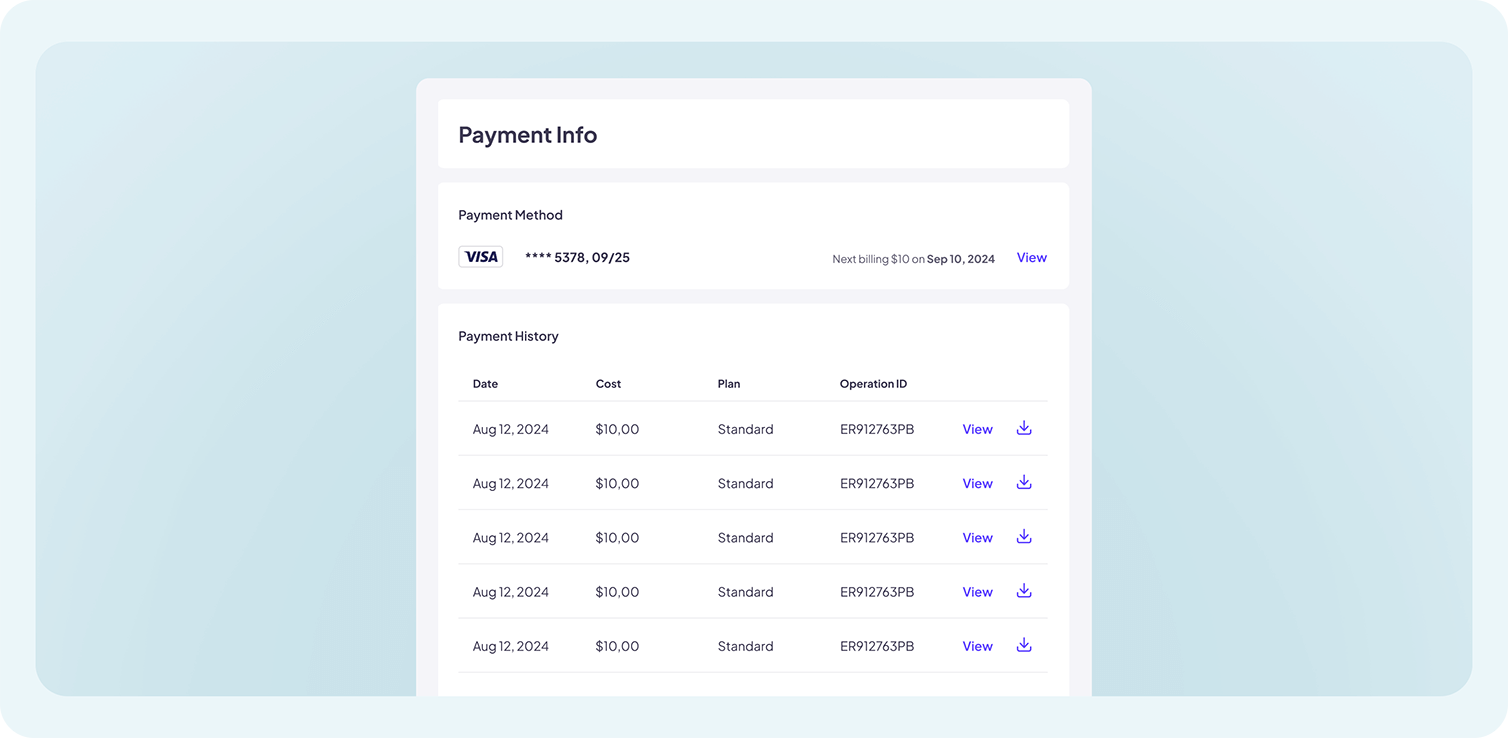
The Payment Info section provides an overview of payment methods associated with the account and a history of past transactions, ensuring transparency and easy tracking of payments.
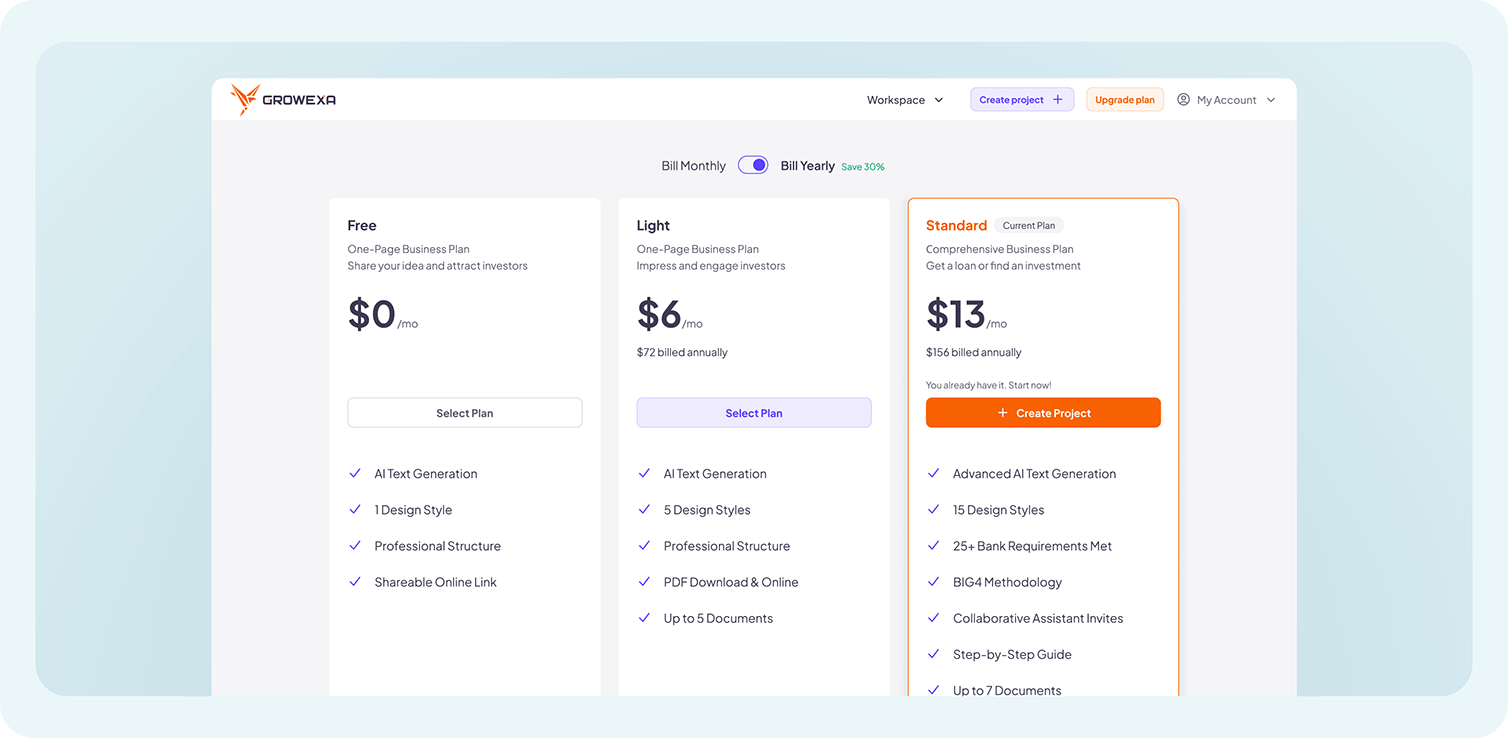
For users considering a change in their plan, the View Plans section presents a detailed comparison of available tariff plans, helping them choose the most suitable option for their business needs.
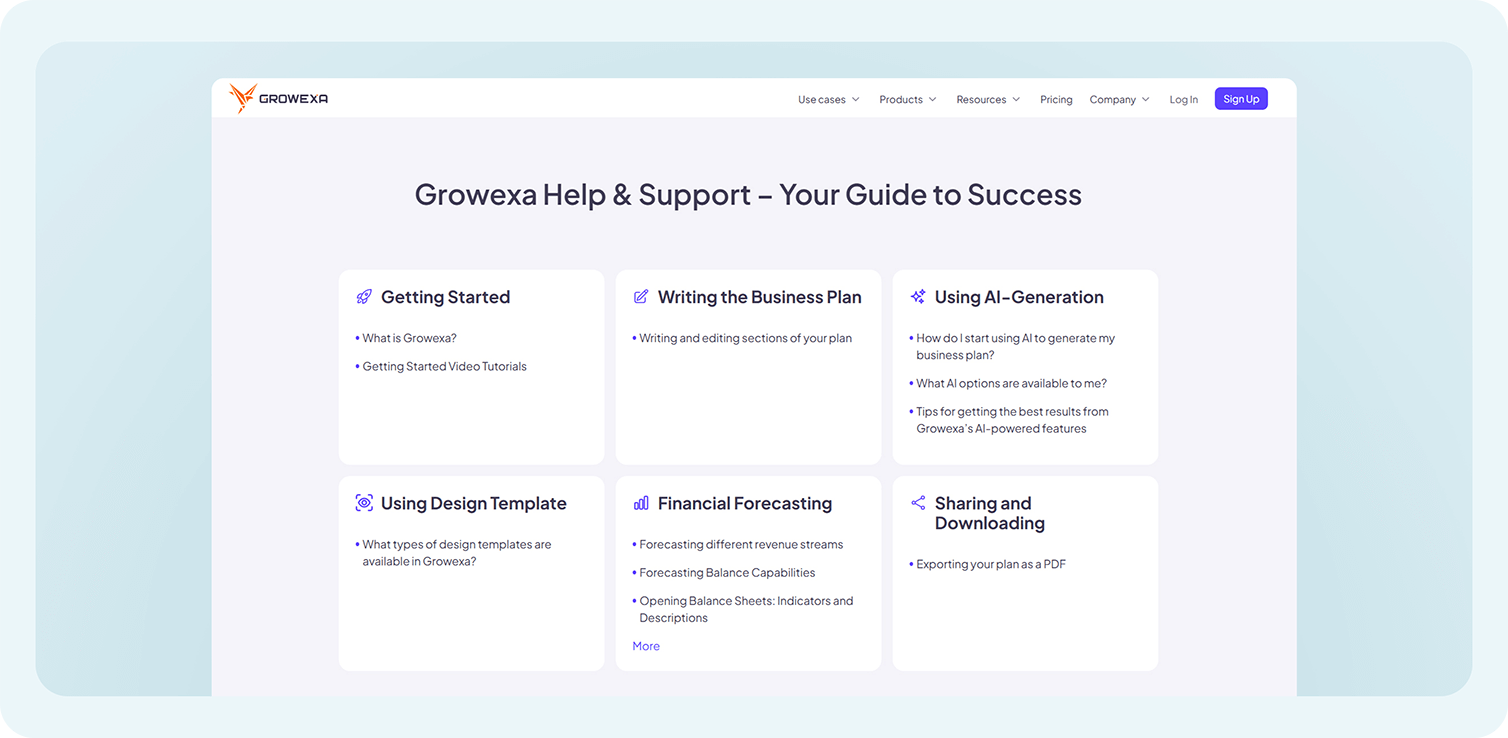
To assist users in maximizing Growexa’s capabilities, the Help & Support section grants direct access to the platform’s usage guide, offering step-by-step instructions on key features.
If additional assistance is required, selecting Contact Us will redirect the user to their default email client, where they can compose and send a support request to Growexa’s customer service team.
Finally, for security and privacy, users can choose to Log Out from their account at any time, ensuring that unauthorized access is prevented when using shared or public devices. For further details refer to the relevant sections in this guide or contact Growexa’s support team for assistance.