

AI Business Plan Generator
Create a Funding-Ready Business Plan — Free for 1 Month
Built on real requirements from 40+ US, UK & EU lenders.
Enter your email to activate your free 1-month access.

Growexa offers a suite of AI-powered options to streamline the process of creating a business plan, providing flexibility and precision to meet diverse user needs. Whether you aim to generate an entire plan or refine specific sections, these tools are designed to deliver high-quality results efficiently. Below is a detailed guide to the AI options available within Growexa.
This option allows users to create a complete, well-structured business plan based on the essential information provided in the mandatory fields (for more detailed instructions refer to the “How do I start using AI to generate my business plan?” chapter of this guide). By entering details such as your company name, location, description, and project overview, the AI generates a comprehensive document tailored to your business goals. This feature is ideal for users seeking a quick, fully formed starting point for their plans.
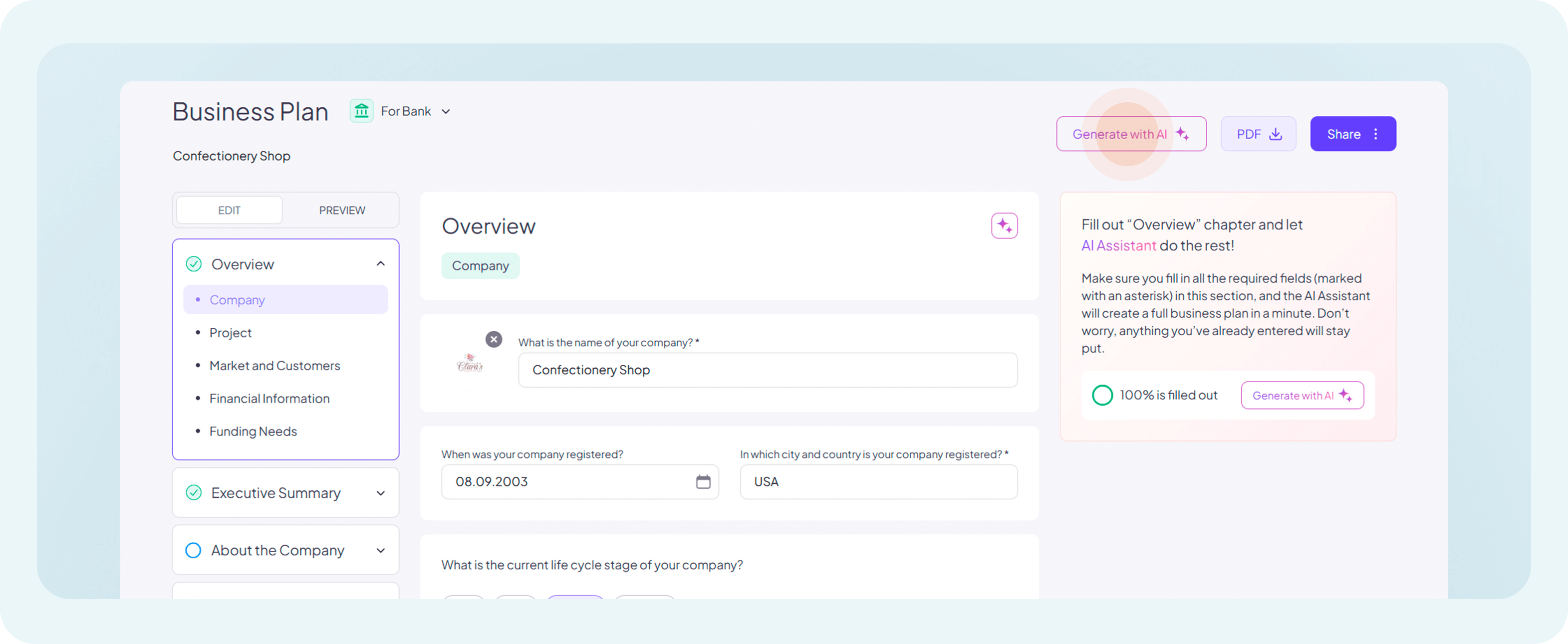
For users who require focused assistance on specific sections, Growexa provides the option to generate individual chapters of the business plan. Whether it’s an executive summary, market analysis, or operational strategy, the AI uses relevant inputs to craft targeted content. This feature is particularly useful for enhancing specific parts of a pre-existing plan or when incremental development is preferred.
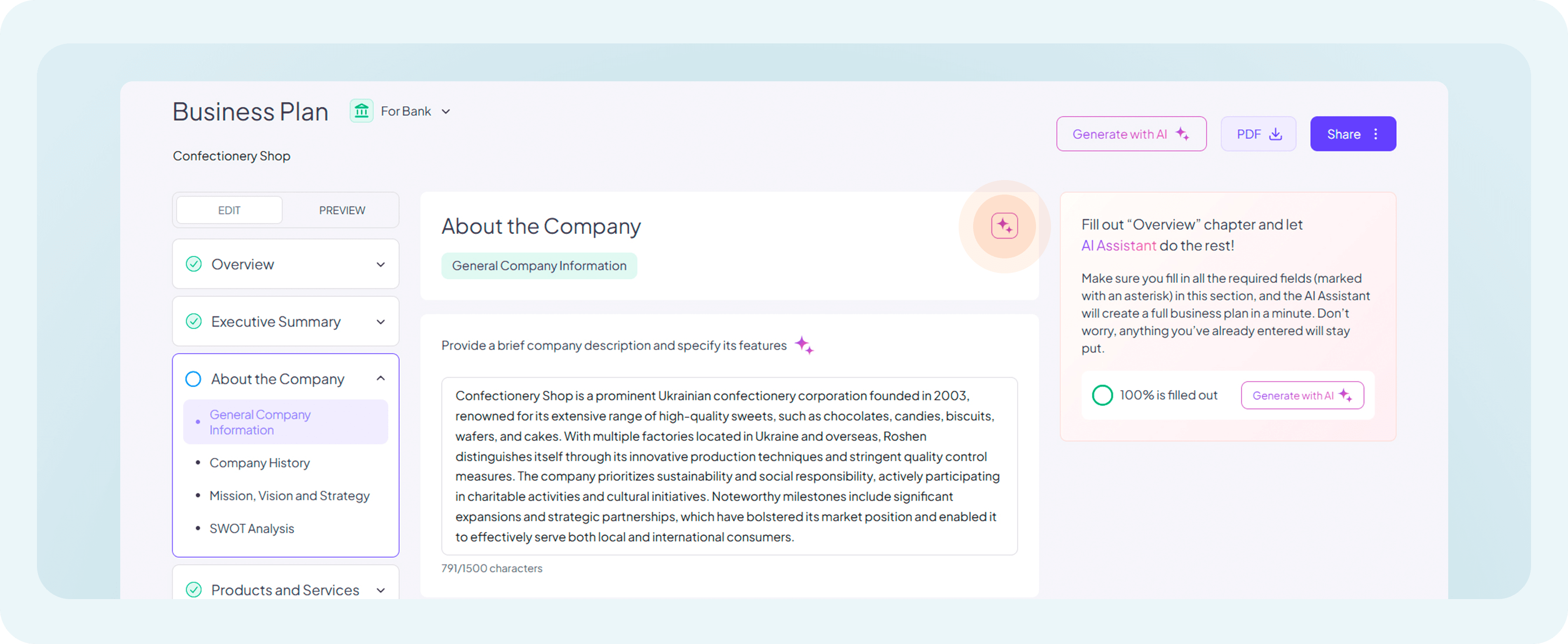
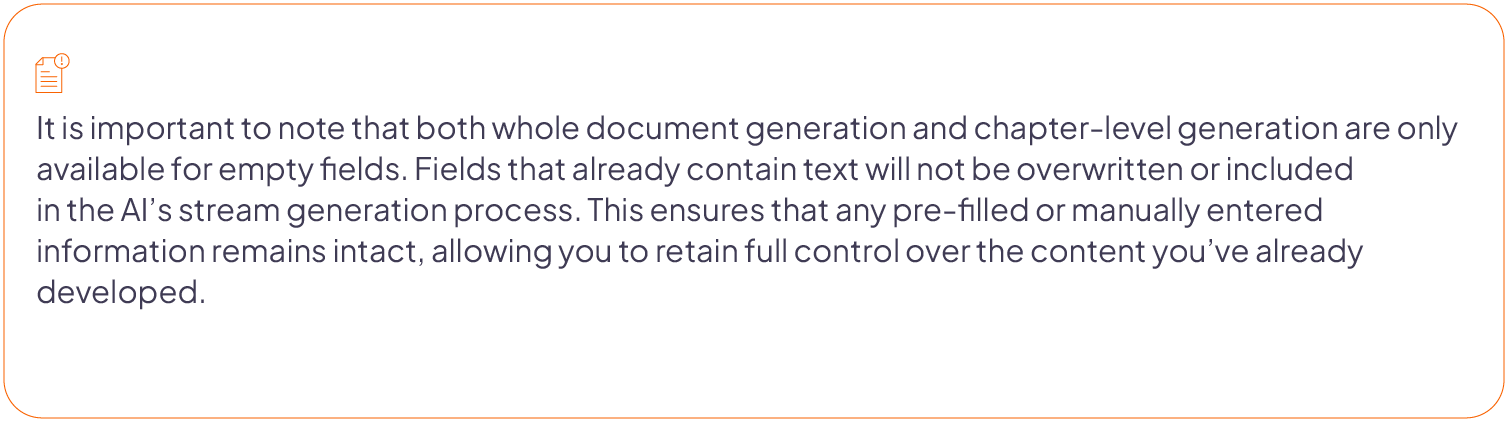
The field-level generation feature allows users to generate content for individual fields within a chapter. For example, if a section requires details about a company’s mission or market positioning, the AI can create concise, relevant text for that particular field. This granular level of customization ensures precision and helps users fine-tune their plans effectively.
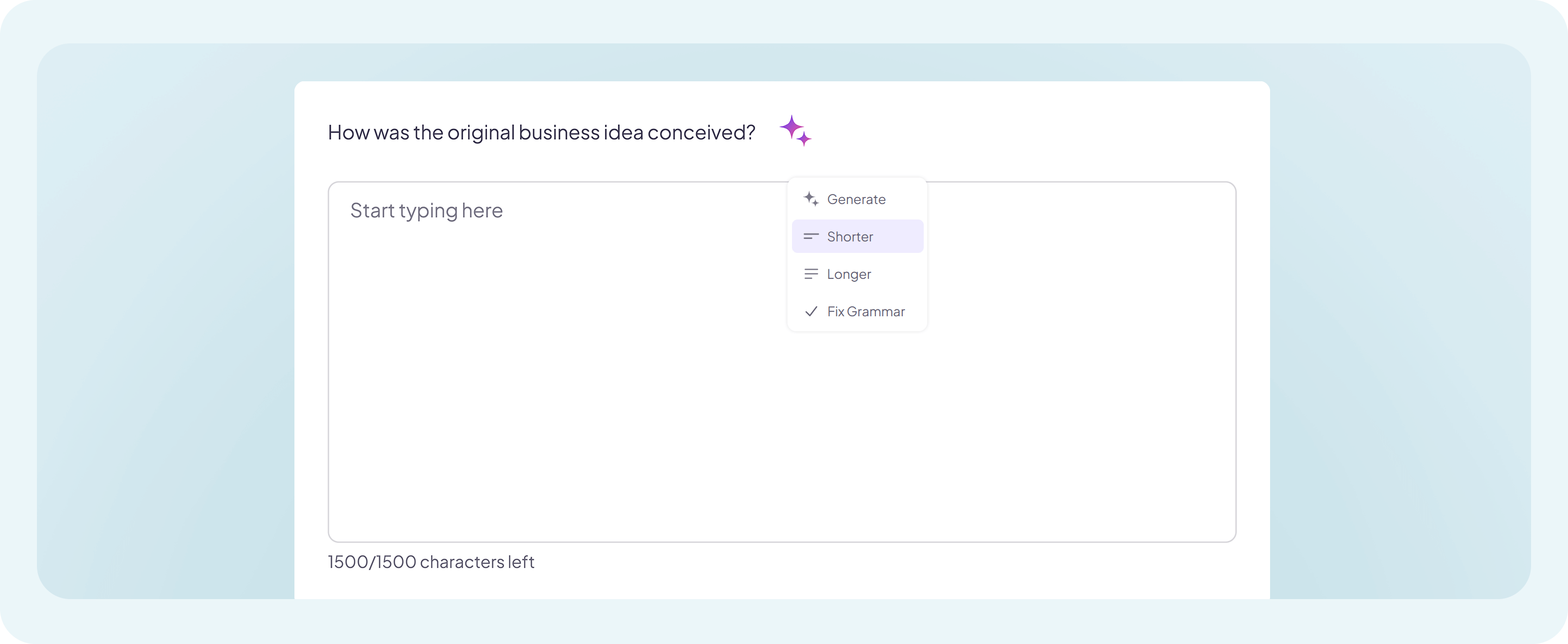
In addition to content generation, Growexa provides robust tools to refine and optimize text within specific fields. Users can access the following options for each field:
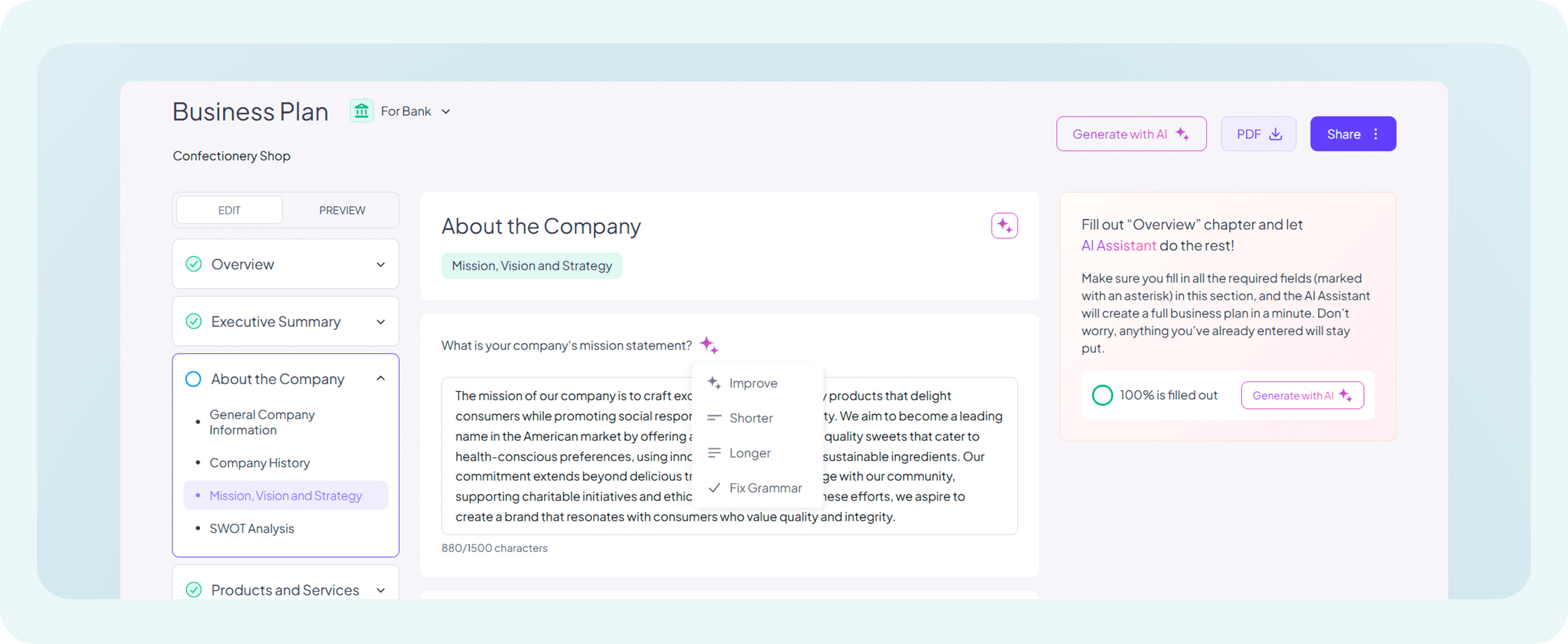
These refinement tools empower users to maintain control over the tone and style of their business plans, enabling them to align the content with their unique requirements and preferences.
For additional support on using these features, explore other chapters in this guide or reach out to our customer support team.