

AI Business Plan Generator
Create a Funding-Ready Business Plan — Free for 1 Month
Built on real requirements from 40+ US, UK & EU lenders.
Enter your email to activate your free 1-month access.

Growexa makes creating a business plan quick and easy. By filling in a few essential fields, you can generate up to 80% of your business plan within five minutes. Follow these steps to get started.
To use the AI-generation feature, you must be a registered user. Visit the Growexa website and sign up by providing your email address and creating a password. Once you’ve registered, log in to access the platform.
After logging in, you must create your first business plan in your workspace. This workspace is where all your plans will be saved and managed. For more detailed instructions on setting up your workspace, refer to the “Getting Started” chapter of this guide.
Once created the business plan, you’ll need to provide some basic information about your business. These required fields are marked with an asterisk (*) and include:
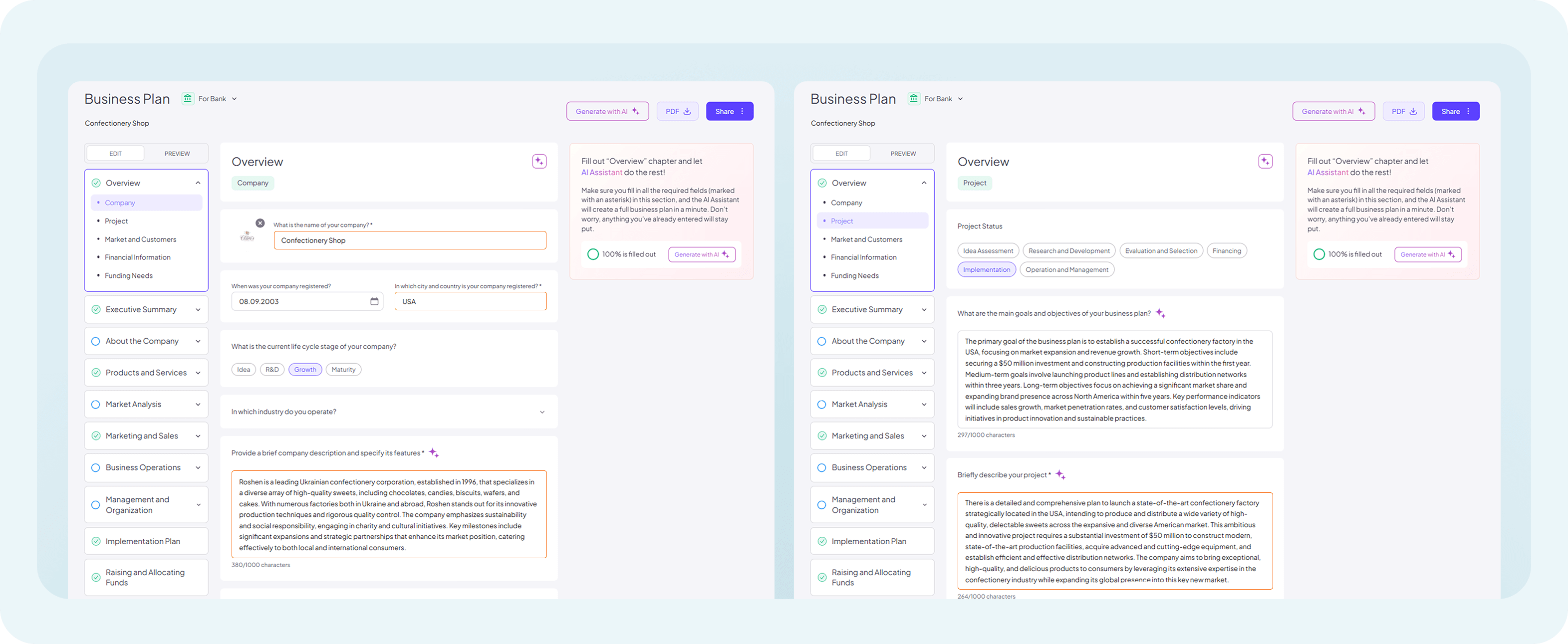
Be as specific as possible to ensure accurate AI-generated content.
Once all required fields are completed, you’re ready to generate your business plan. Double-check the information you’ve entered to ensure everything is correct and aligned with your vision. When you’re confident, initiate the AI-generation process by clicking the appropriate option.
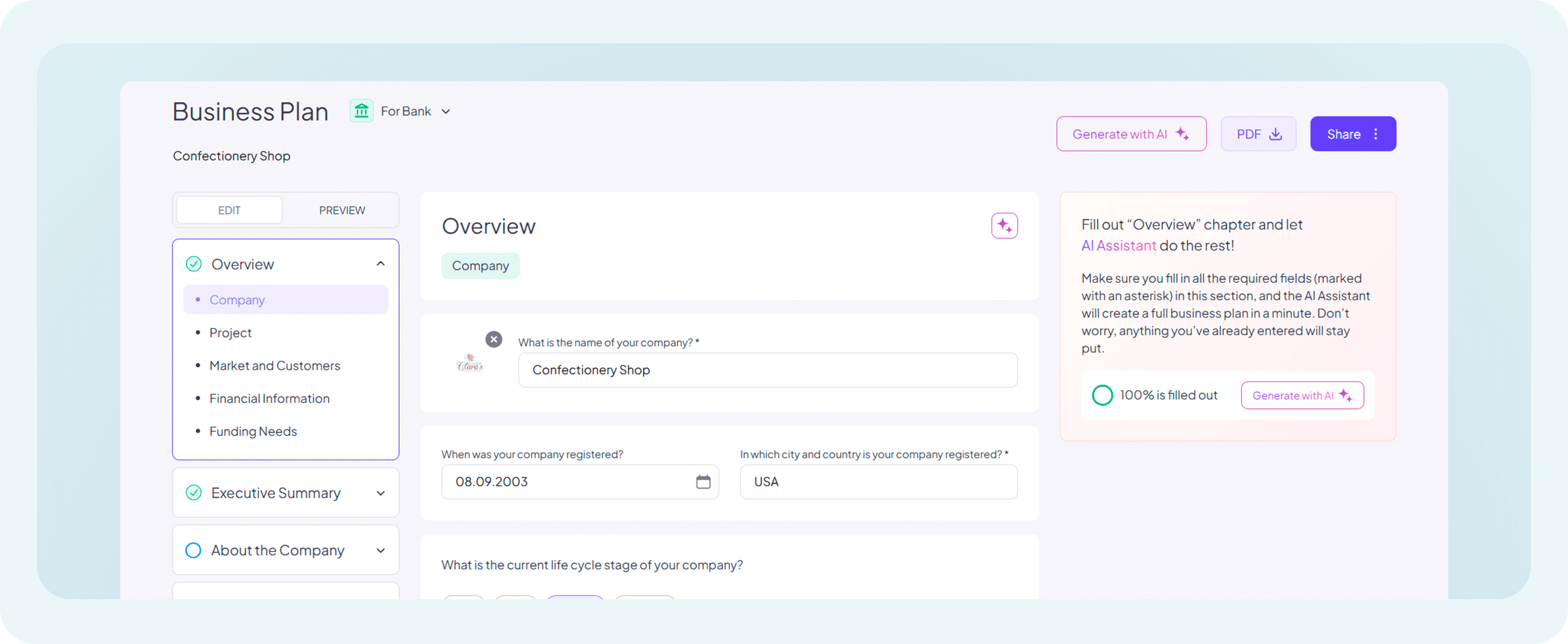
The AI will begin working immediately, using advanced algorithms to analyze your inputs and create a detailed, professional draft. This typically takes only a minute, but while you wait, take a moment to think about any specific details or custom sections you might want to add later.
Once the process is complete, your business plan will be available for review in your workspace. Open the draft and explore the content that’s been prepared for you. You’ll notice that the AI has structured the document to include key sections, such as an executive summary and project details, all customized based on the information you provided.
Remember, this draft is just the starting point. You can edit and expand it to better reflect your company’s unique identity and goals.
If you need further assistance, check out our other help articles or contact our support team.