

AI Business Plan Generator
Create a Funding-Ready Business Plan — Free for 1 Month
Built on real requirements from 40+ US, UK & EU lenders.
Enter your email to activate your free 1-month access.

Managing your Growexa account includes overseeing your subscription to ensure you have access to the features that best support your business planning needs. This guide provides step-by-step instructions for upgrading, canceling, and reactivating your subscription.
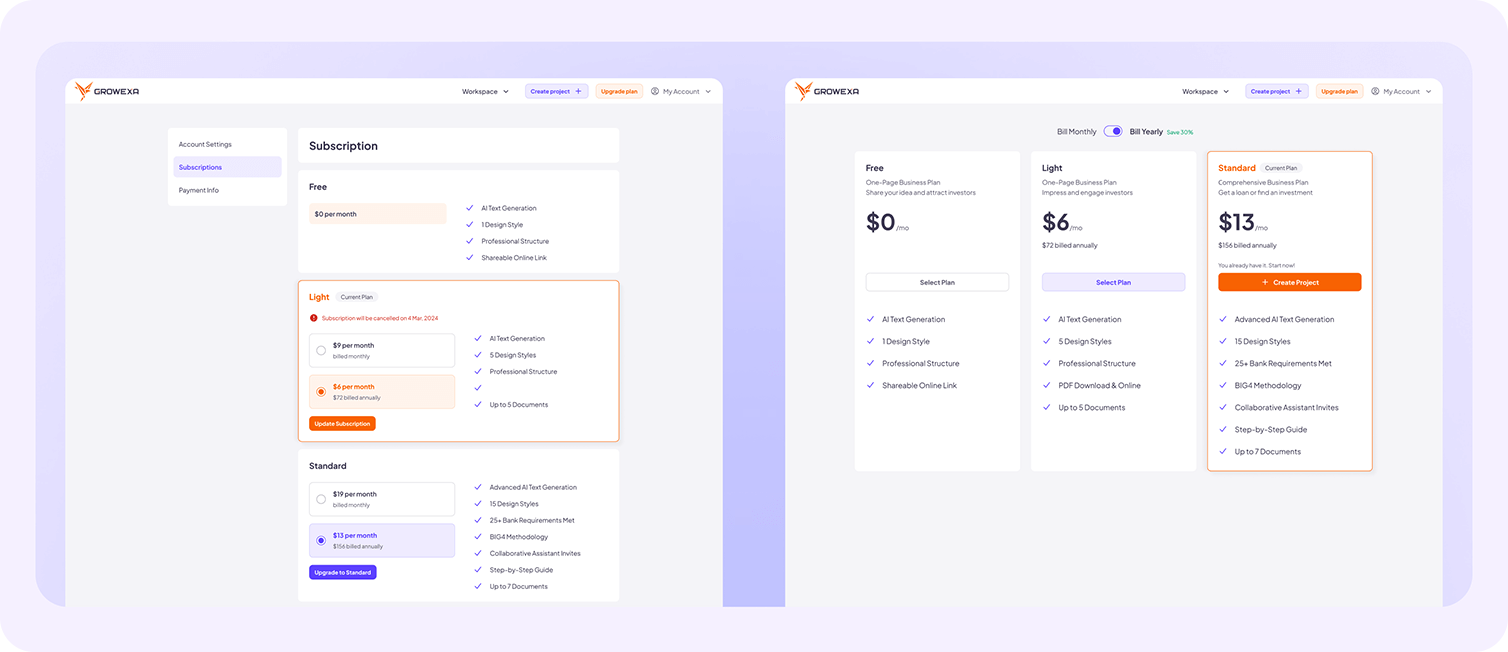
To upgrade your plan, first log into your Growexa account and navigate to the Subscription section within My Account. Alternatively, you can use the Upgrade Plan button available in the interface.
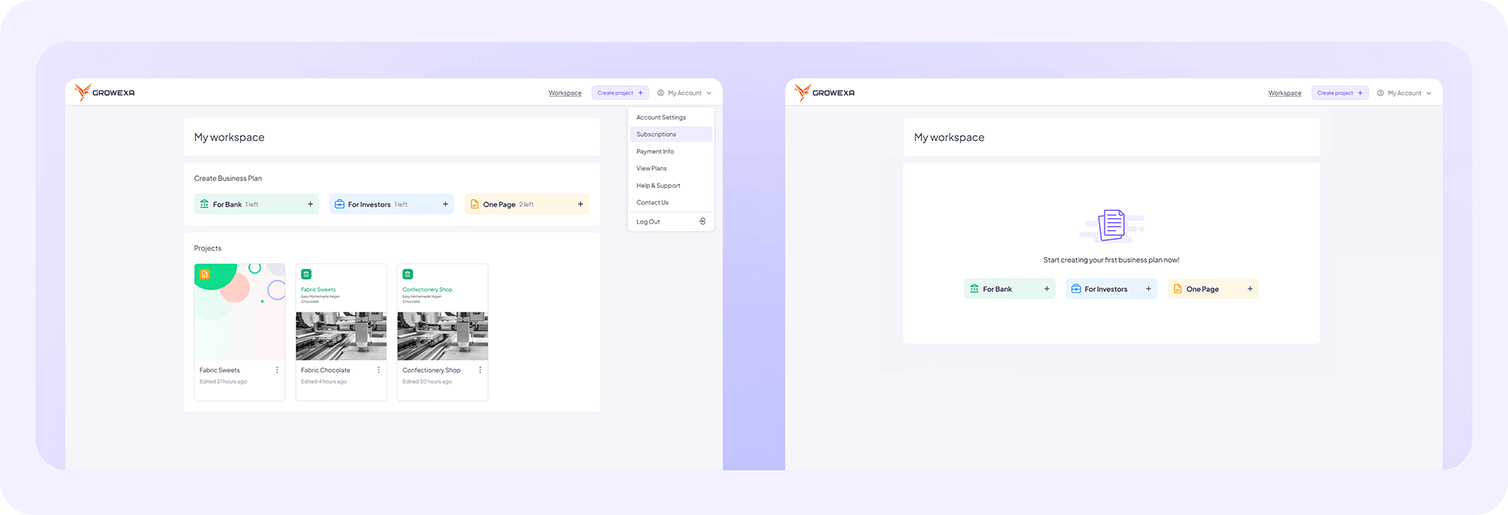
Carefully review the available plans, comparing their features, benefits, and pricing to determine which best aligns with your business objectives. Once you have made your selection, click Subscribe next to your chosen plan and proceed by entering your payment details. After completing the transaction, your new subscription will be activated immediately.
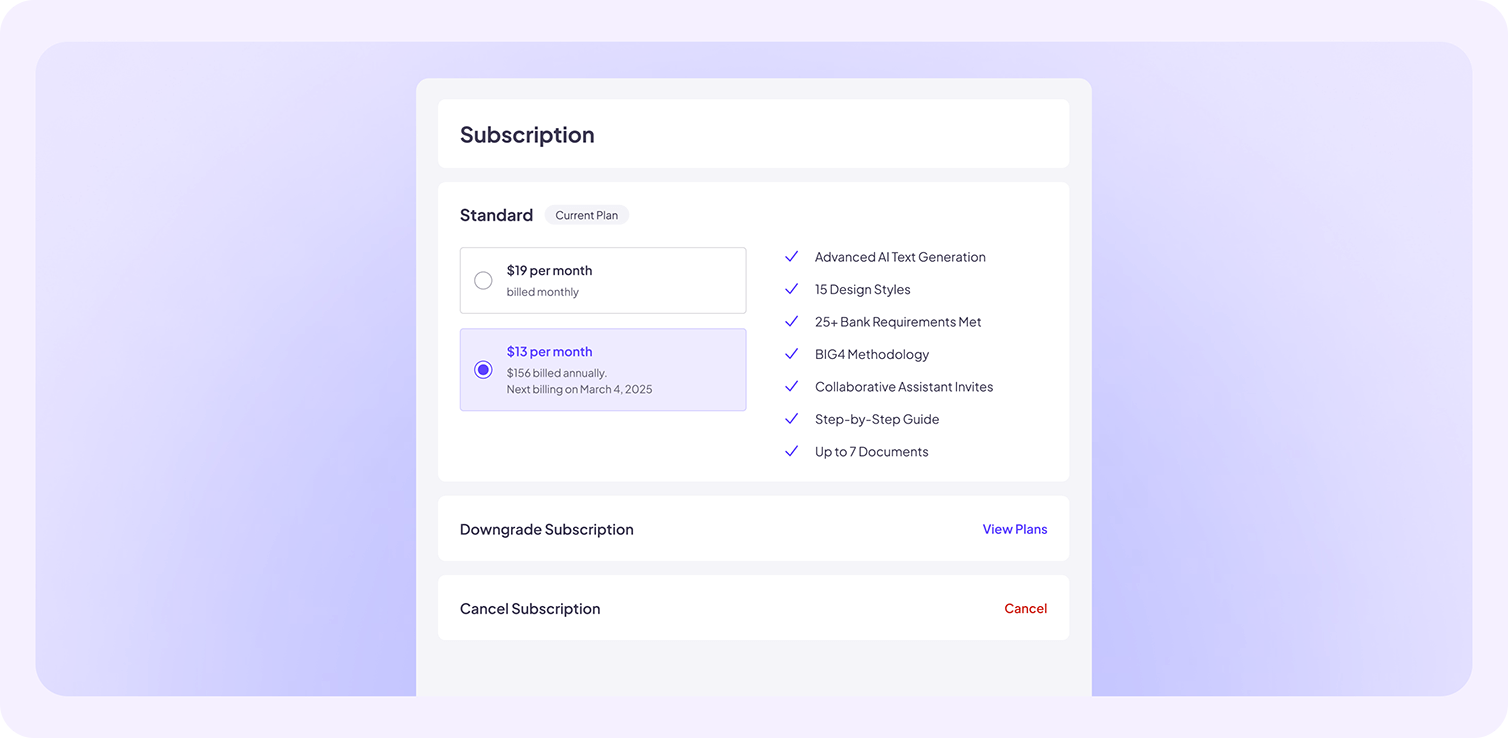
If you wish to cancel your subscription, access My Account and navigate to the Subscription page. Locate and select the Cancel Subscription option. It is important to note that Growexa does not provide refunds for any unused portion of your current paid period. However, you will retain access to all features of your canceled subscription until the end of the billing cycle.
Should you decide to reactivate your subscription, the process follows the same steps as an initial subscription. Simply revisit the Subscription section, select your preferred plan, and enter your payment details to resume access to premium features.
For further details refer to the relevant sections in this guide or contact Growexa’s support team for assistance.