

AI Business Plan Generator
Create a Funding-Ready Business Plan — Free for 1 Month
Built on real requirements from 40+ US, UK & EU lenders.
Enter your email to activate your free 1-month access.

Optimizing the use of Growexa’s AI-powered features ensures that the generated business plan is both accurate and aligned with your specific goals. By following best practices and utilizing the platform effectively, users can achieve professional and tailored results with minimal effort. The following tips outline strategies to maximize the potential of Growexa’s AI-driven tool.
The quality of the AI-generated business plan relies significantly on the clarity and relevance of the information provided during the setup process. Ensure all required fields, such as your company name, location, company and project description, are completed with accurate and concise information. Avoid vague inputs; for example, instead of writing “We sell products,” describe your offerings in detail, such as “We provide affordable, sustainable clothing for eco-conscious consumers.”
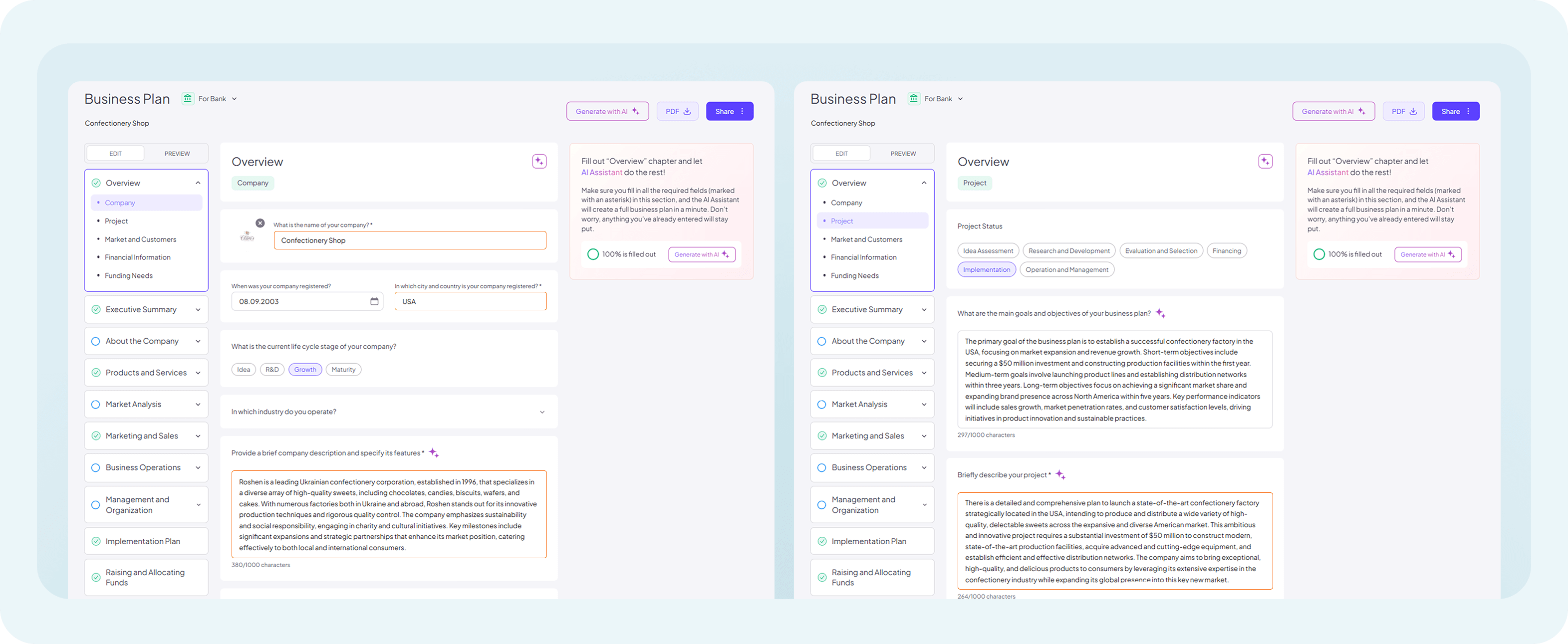
While detailed input is crucial, excessive or irrelevant information can hinder the AI’s ability to generate coherent and relevant content. Strive to include only the essential details necessary to guide the AI in creating a structured and targeted business plan. Overloading input fields with unnecessary or redundant information may dilute the focus of the generated content, reducing its overall quality.
Growexa offers several options for content generation, including stream generation for an entire document and section-based generation for individual chapters. For a comprehensive guide on these options, refer to the article "What AI Options Are Available to Me?" Stream generation allows users to create a complete, well-structured business plan based on the essential information provided in the mandatory fields (for more detailed instructions refer to the “How do I start using AI to generate my business plan?” chapter of this guide). While stream generation becomes available after entering the four required fields, it is highly recommended to fill in as many fields as possible before initiating this option. The more context and details you provide, the better the quality and relevance of the generated output.
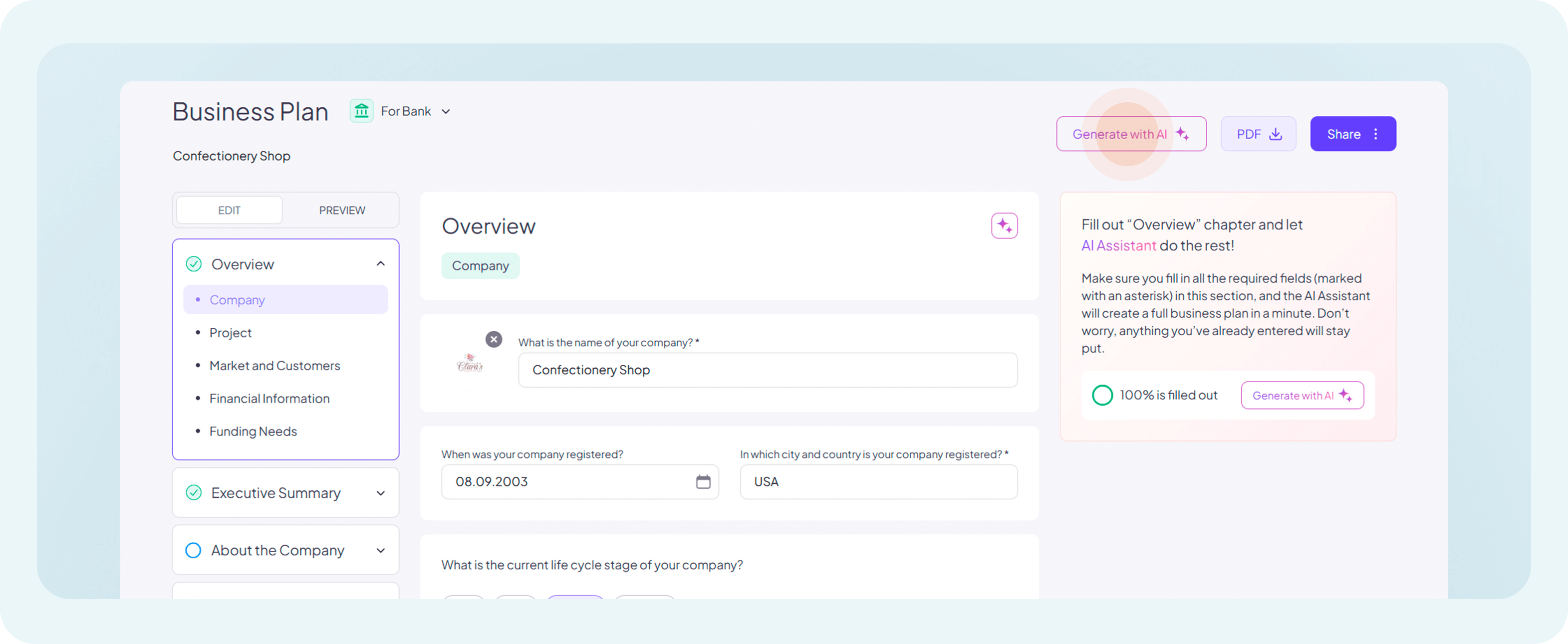
Stream generation is ideal for quickly producing a draft when speed is a priority, but section-level generation is better suited for users seeking more detailed and refined content.
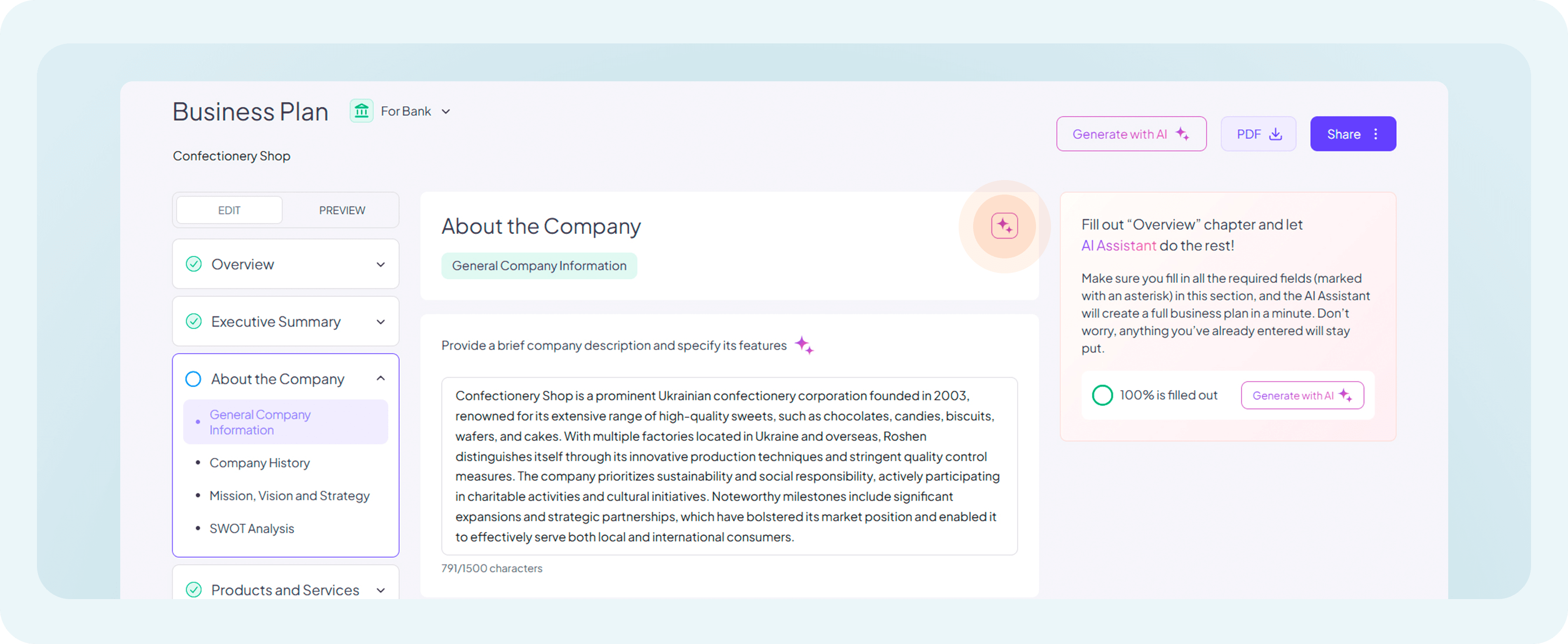
Before using this option, it is strongly recommended to manually fill in all fields for which direct input is required. Fields requiring manual input will not have a “generate” option if left empty, and skipping these inputs may lead to incomplete or less cohesive outputs.
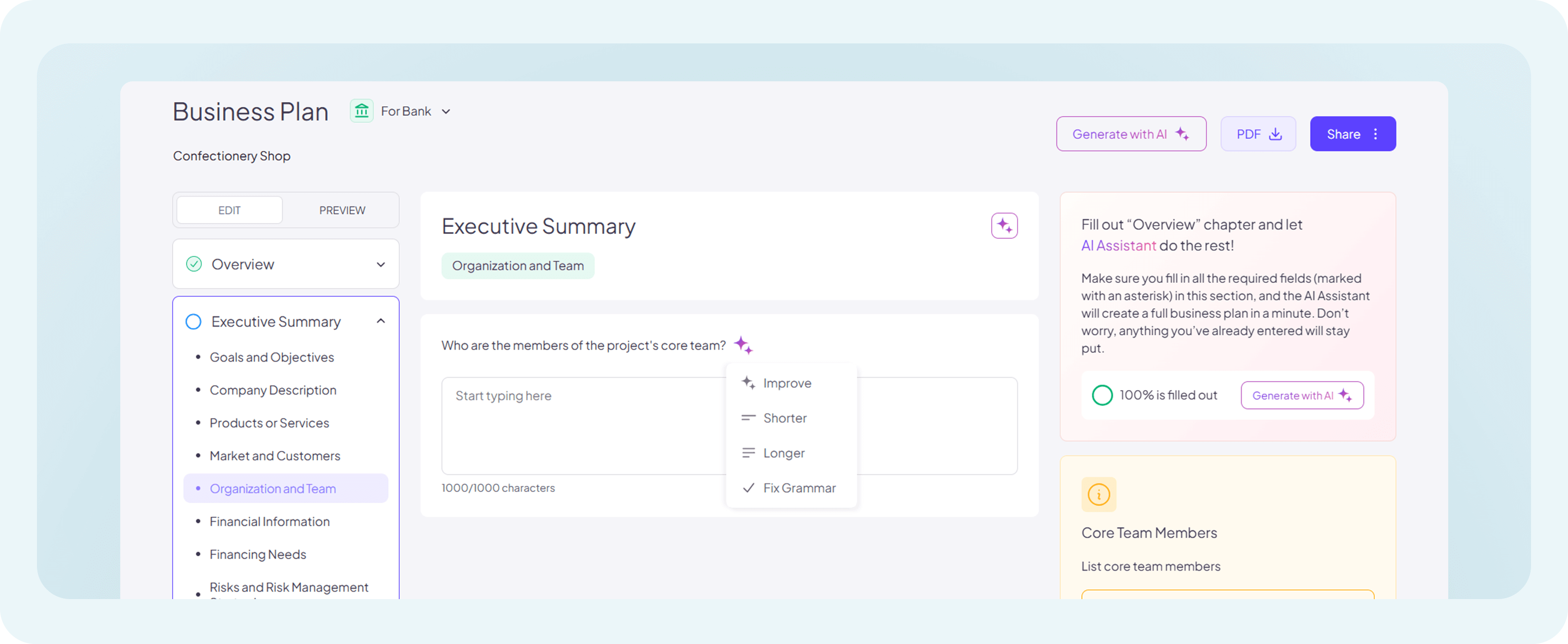
The AI-generated output may not always be perfect on the first attempt, particularly when it comes to tone, detail, or structure. Growexa’s refinement tools — Improve, Shorter, Longer, and Fix Grammar — are designed to help you tailor the content to better suit your needs. For a deeper understanding of these features, refer to the article "What AI Options Are Available to Me?". Experimenting with these options can significantly enhance the quality of your business plan.
Although Growexa’s AI is highly advanced, it is not infallible. Carefully review all generated content to ensure its accuracy, particularly in sections involving numerical or statistical data. Verify figures and projections against reliable sources to avoid potential errors or inconsistencies. A critical review ensures the plan maintains its credibility and aligns with your business objectives.
By following these guidelines, users can unlock the full potential of Growexa’s AI-powered features, generating business plans that are both professional and tailored to their specific requirements. For additional guidance, explore other sections of this usage guide or reach out to Growexa’s support team for further assistance.